What Microsoft 365 licence do I need?
Any standard Microsoft 365 business subscription. No premium Power Apps or Power Automate licences required - everything is built on what's already included in M365.
How long does self-installation take?
Under an hour. You'll import the Power Platform solution, run a flow that creates all the required SharePoint lists, and update a few environment variables. You'll need permission to import Power Platform solutions in your environment - if you're not sure, check with your IT admin before purchasing.
Is this compatible with the old free version?
No. The data model was rebuilt from the ground up to support more reliable functionality and overcome SharePoint delegation limitations. You'll need a fresh installation - the old version will keep working as it is, but won't receive updates.
What's included in the $499 setup package?
A Teams session where we handle the full setup together: importing the solution, running the list setup, configuring environment variables, and applying your company's logo and colours to the app and notification emails. You walk away with a fully configured, branded installation.
How many users can use it?
Any number of users in your Microsoft 365 tenant. There's no per-seat limit.
What's the difference between the desktop and mobile app?
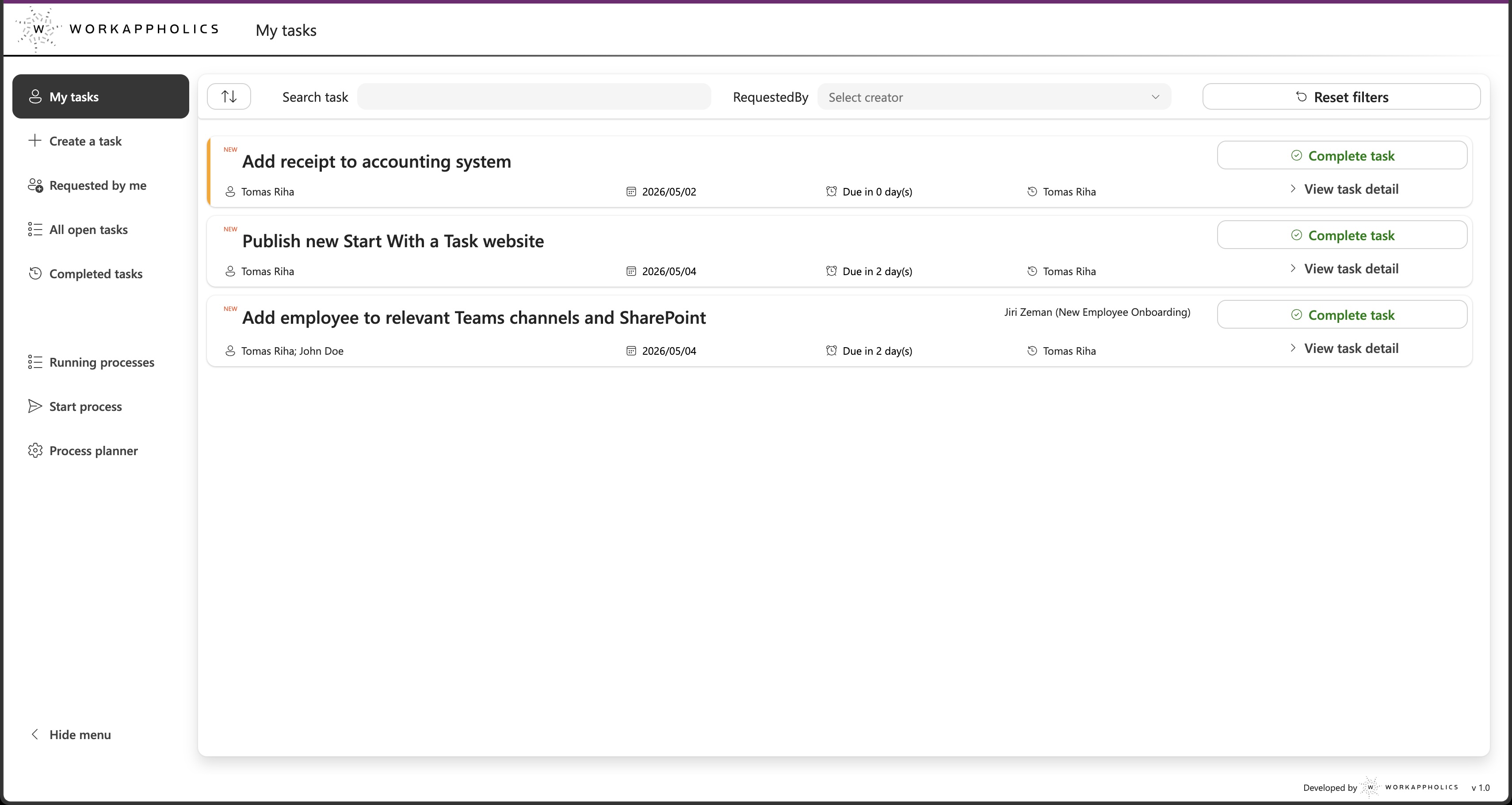
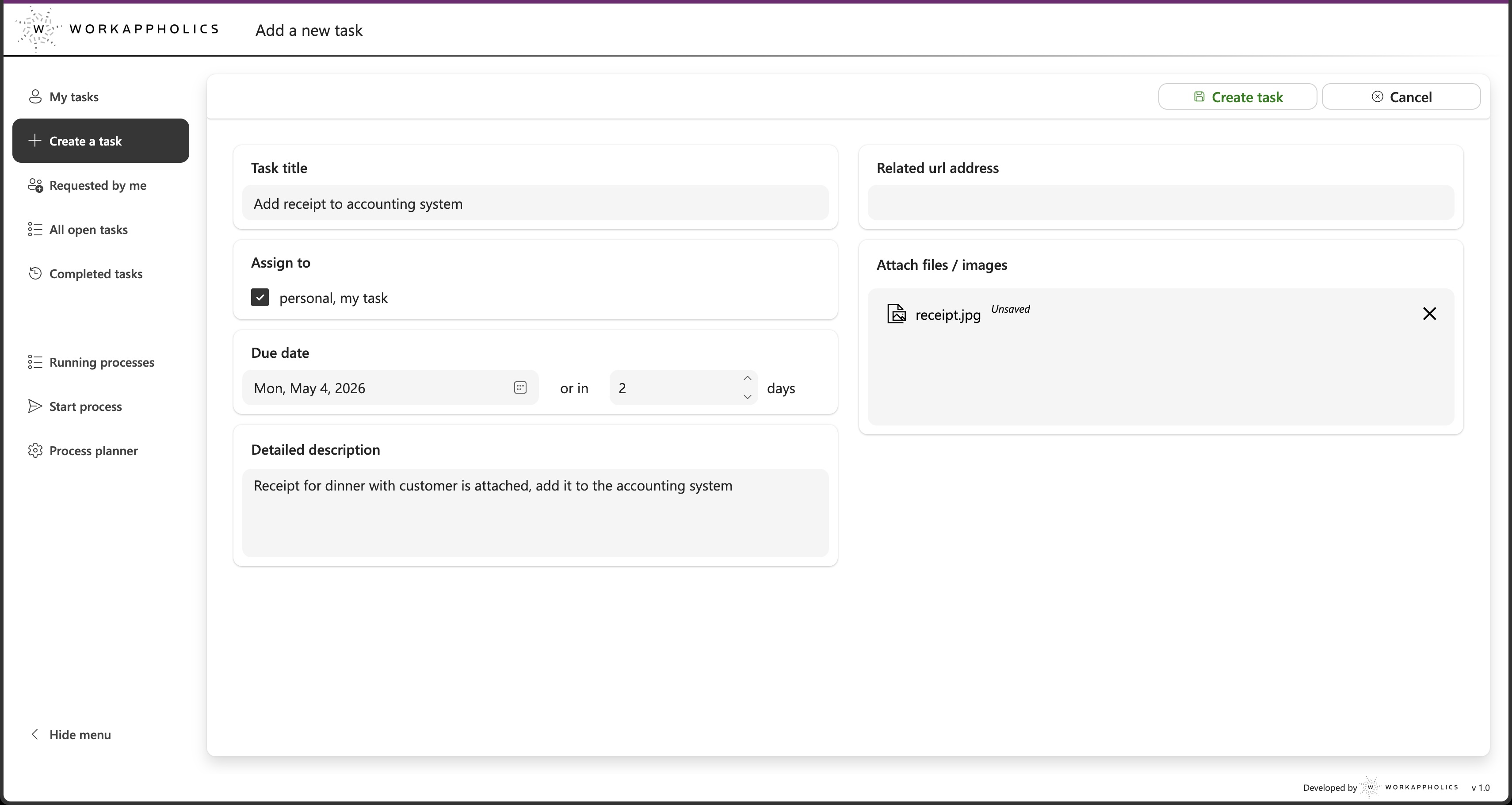
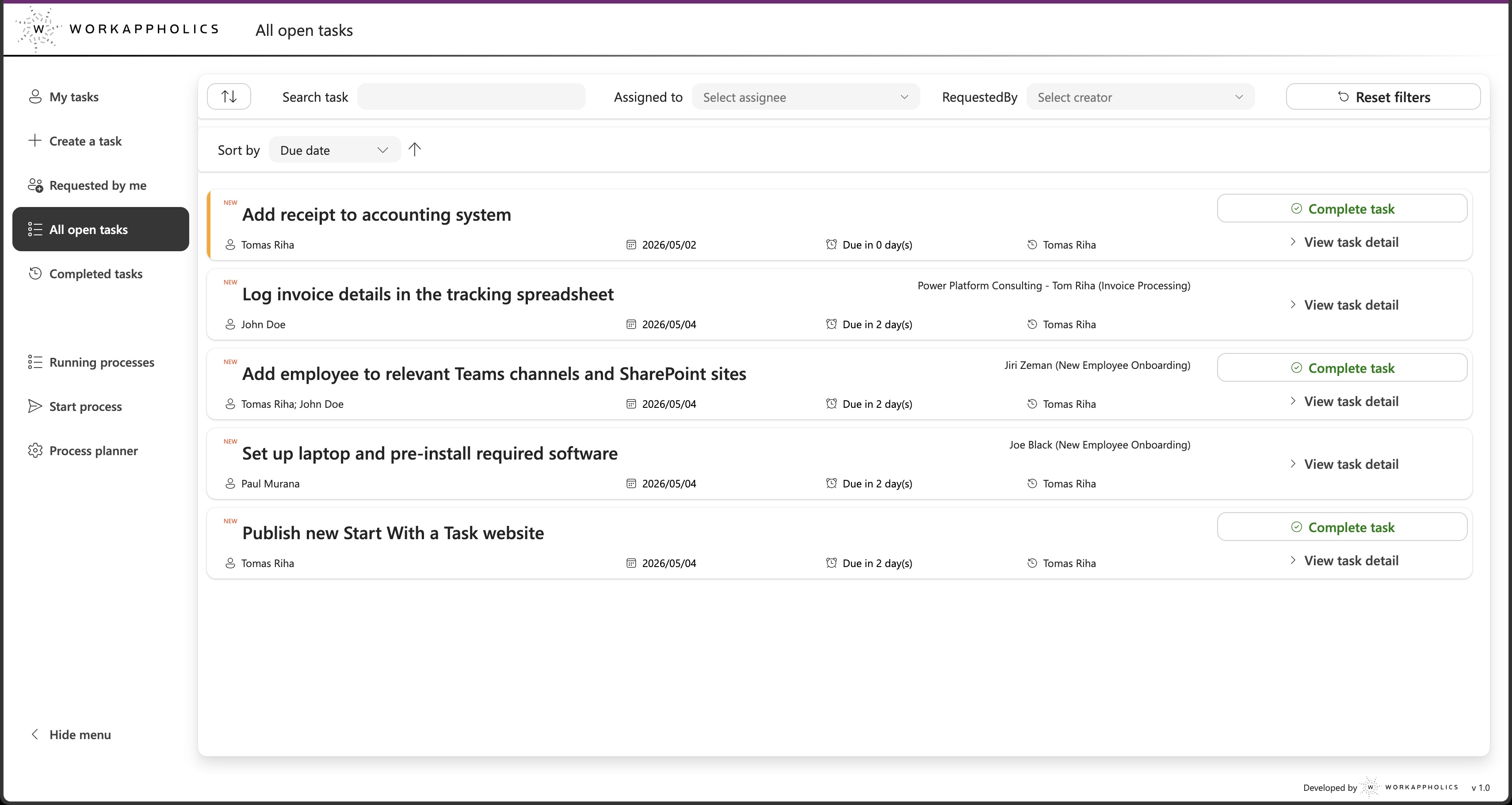
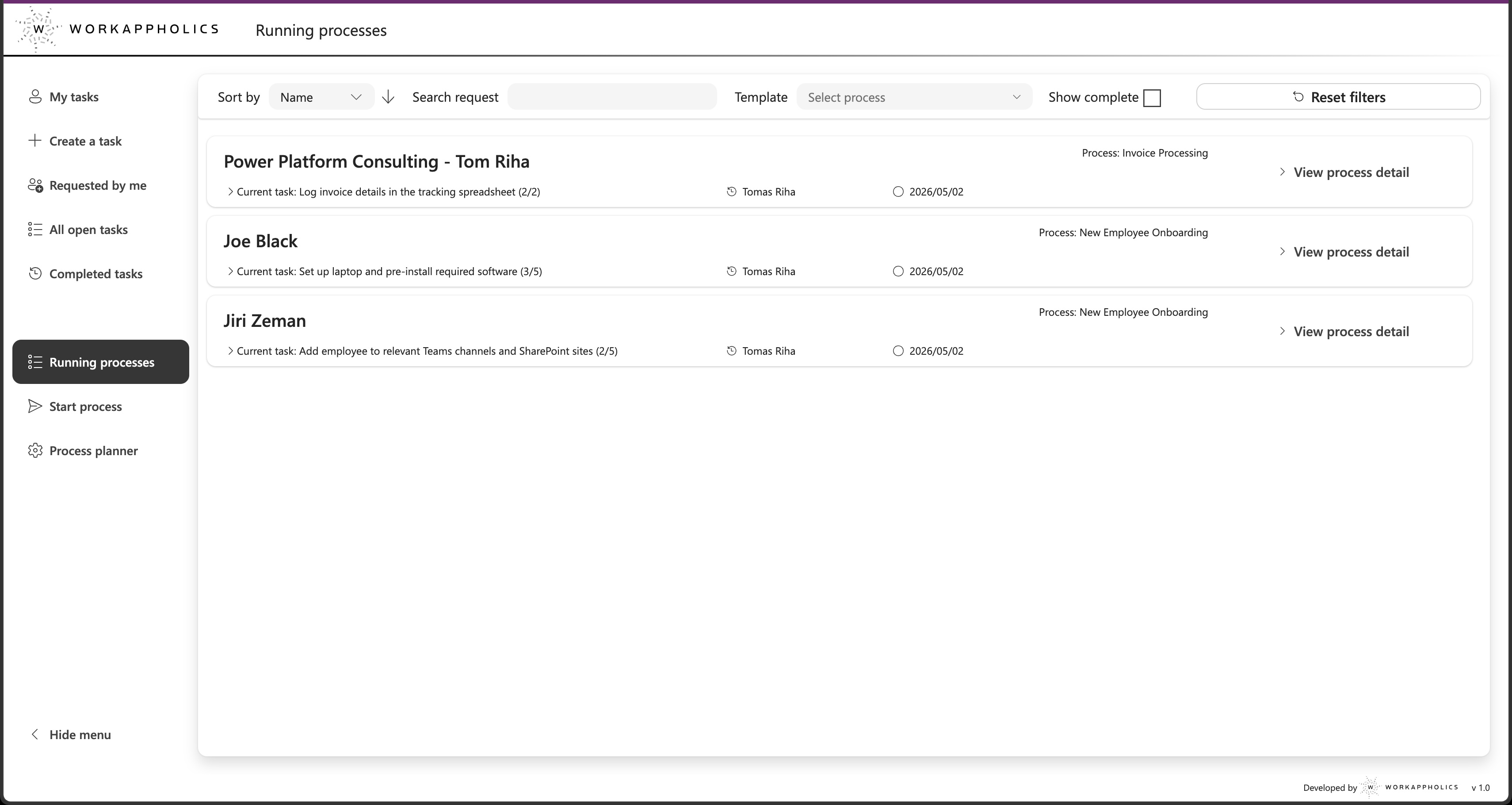
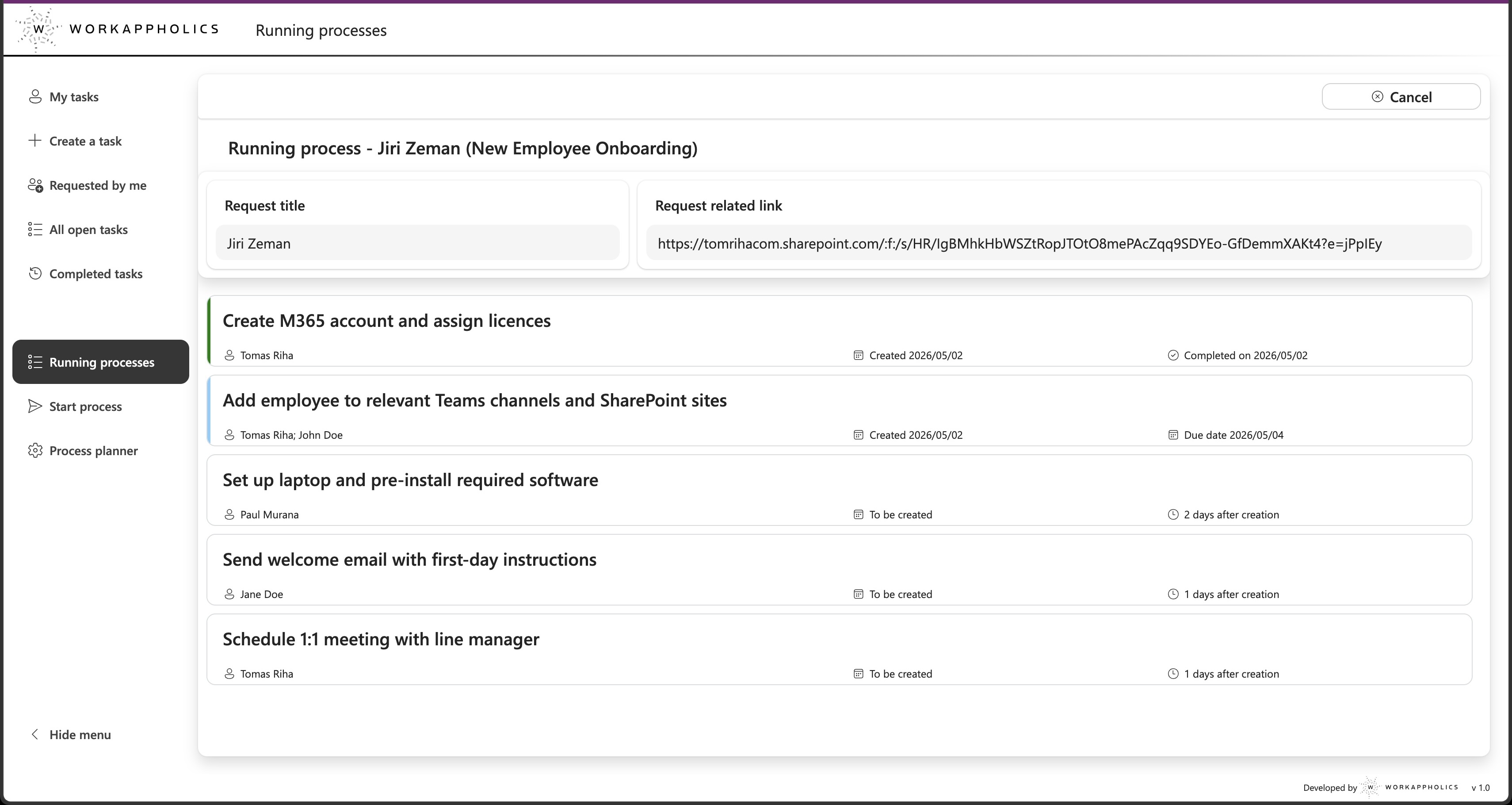
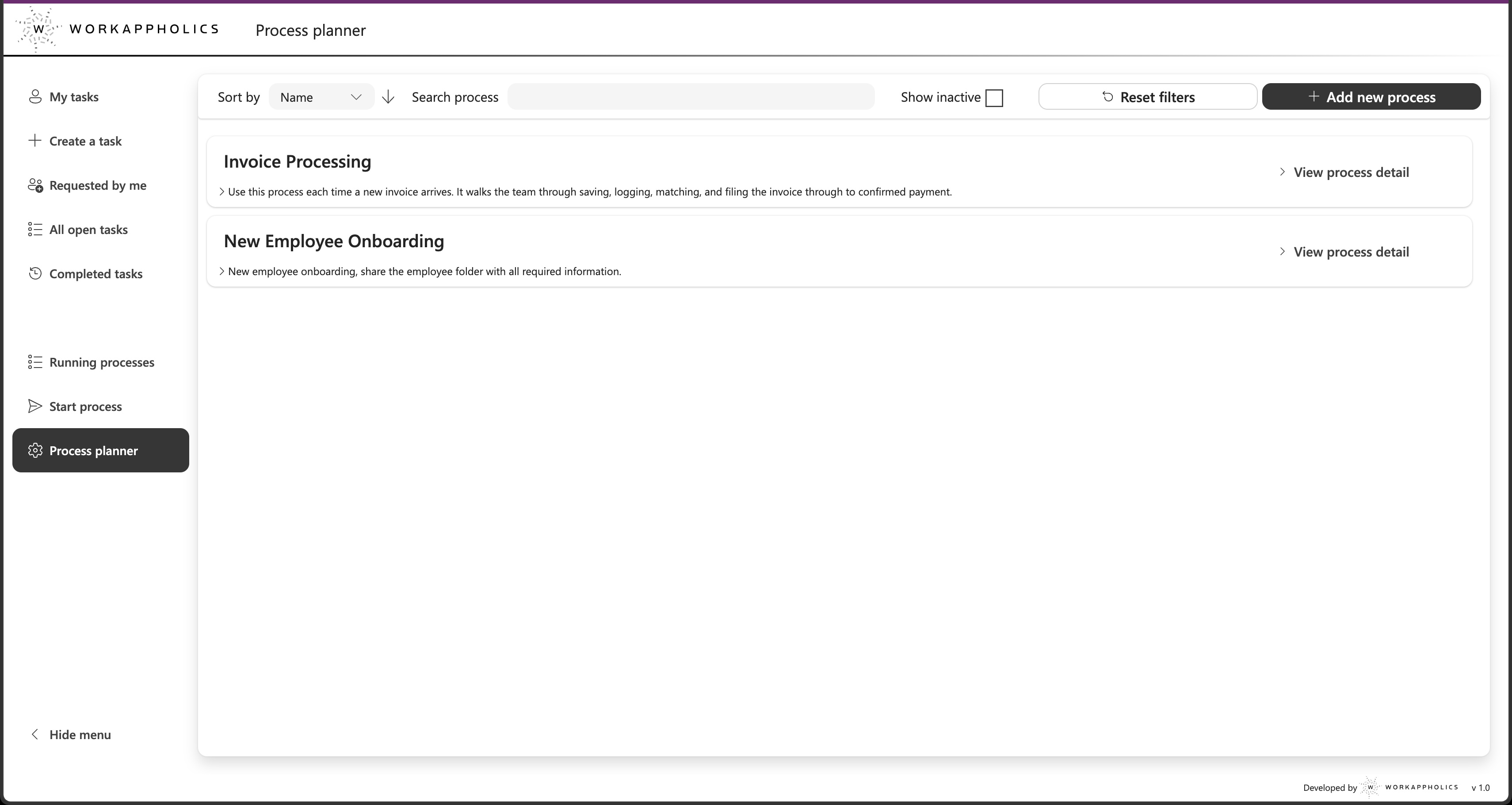
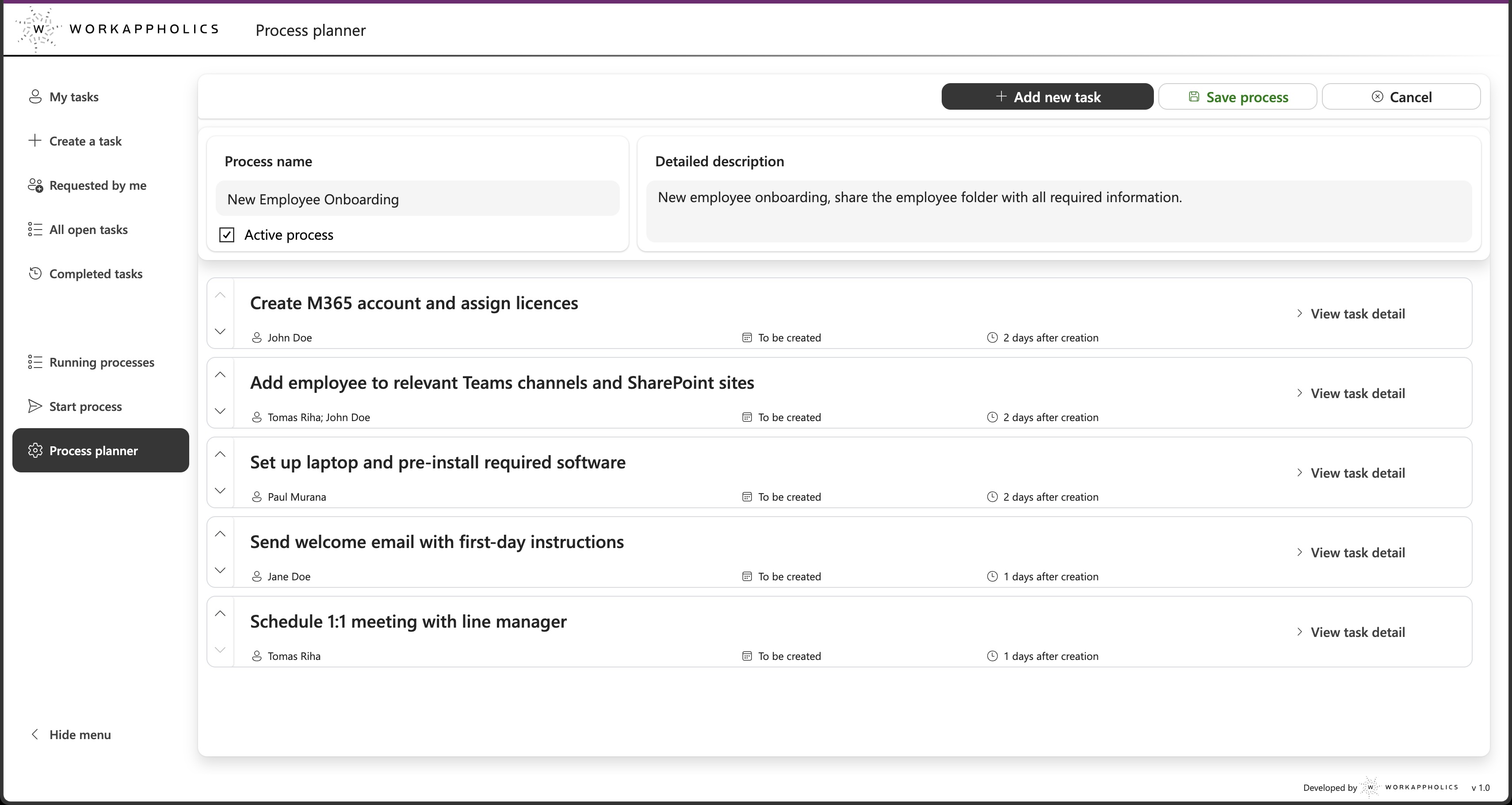
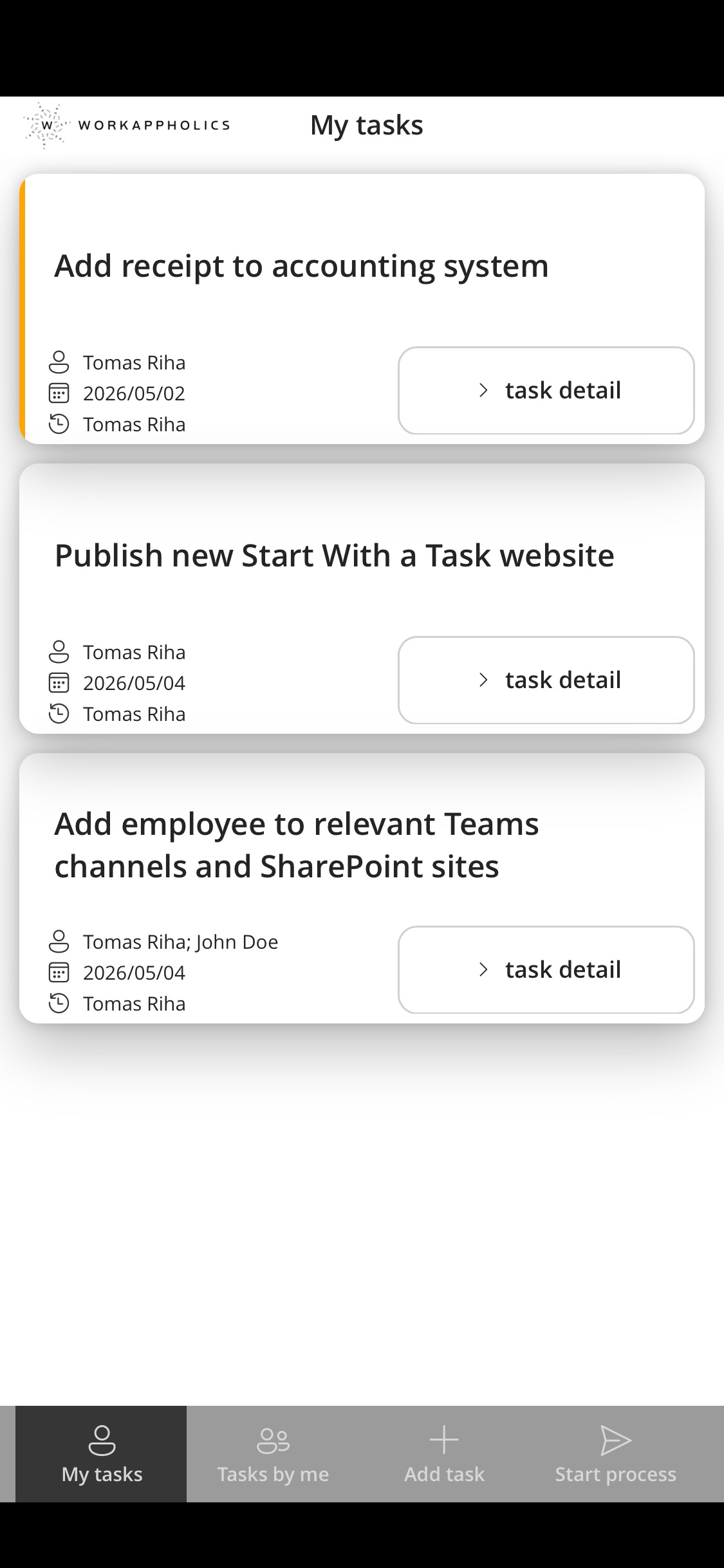
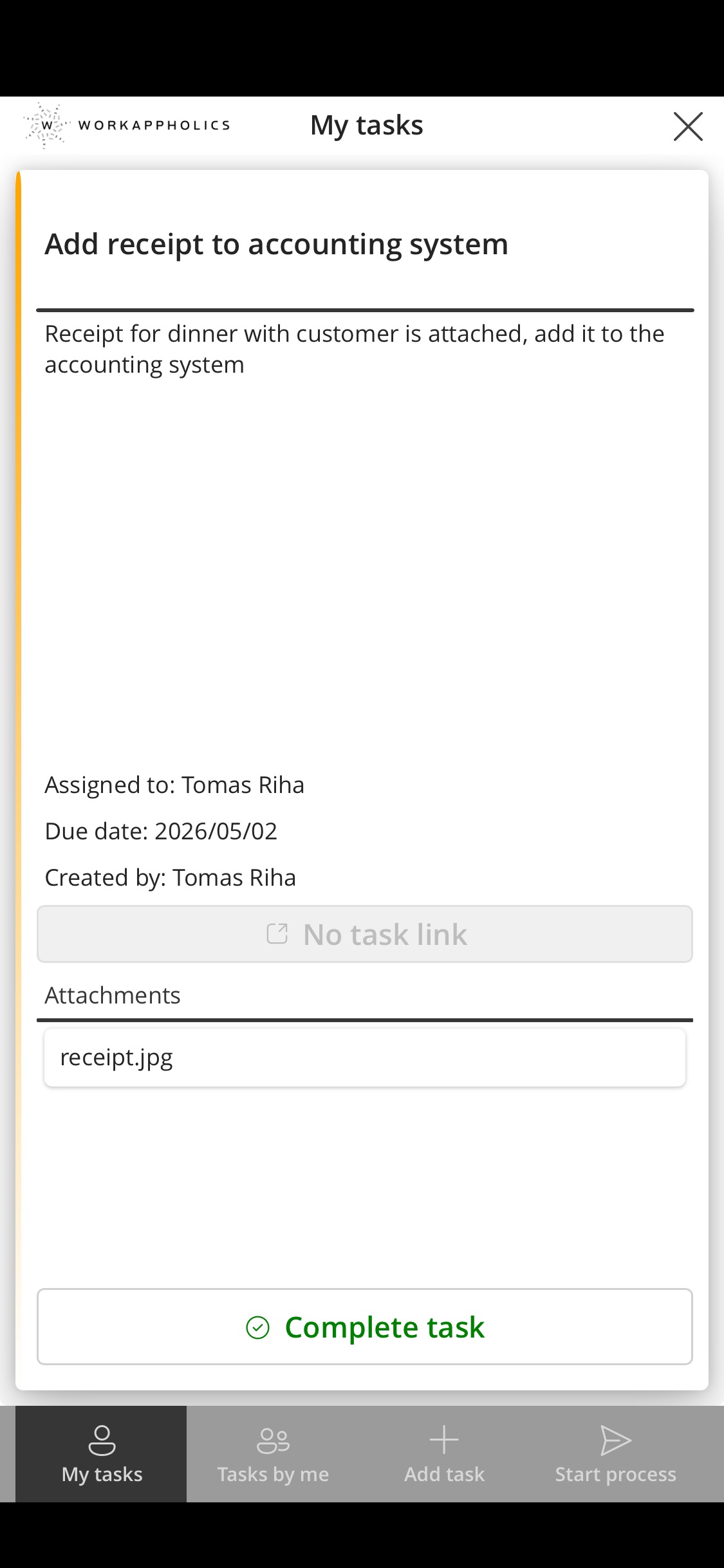
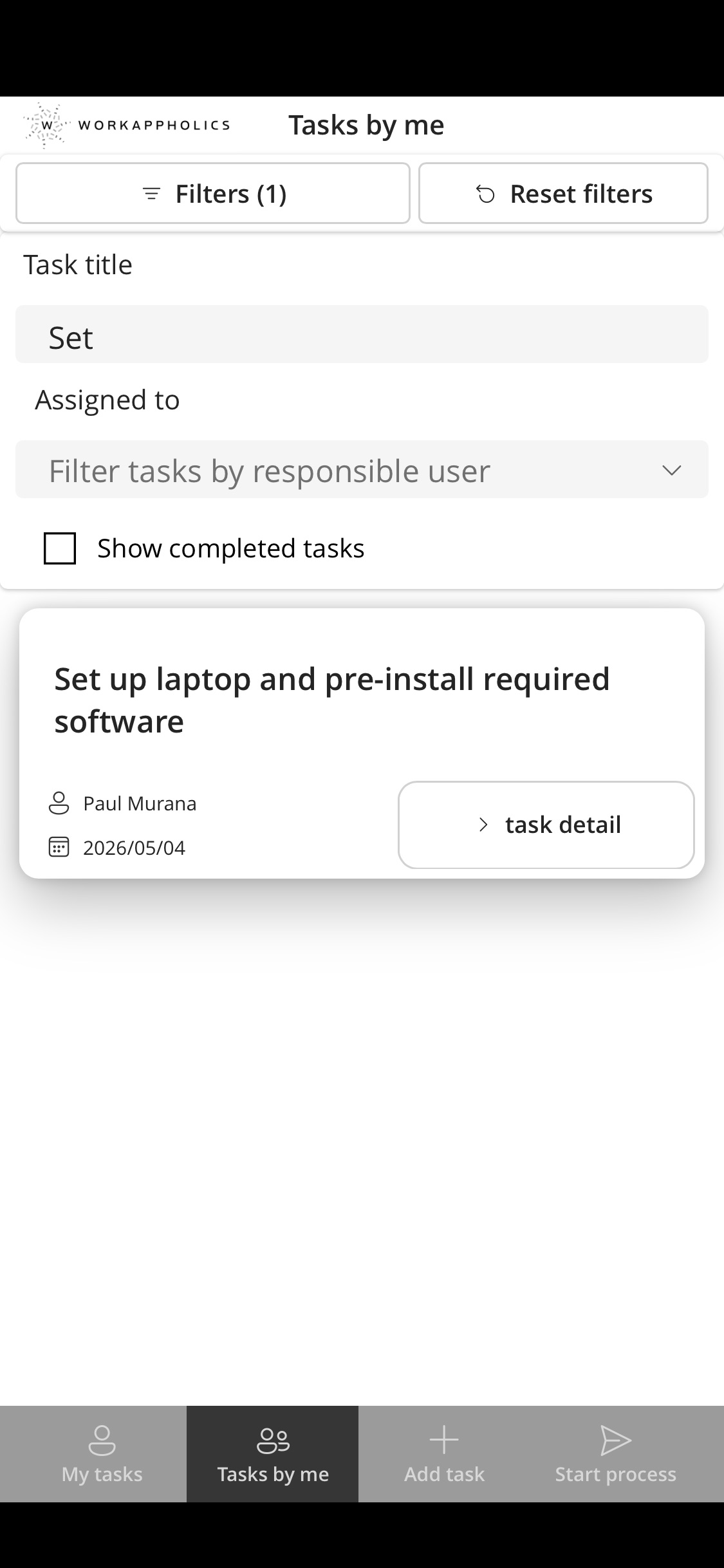
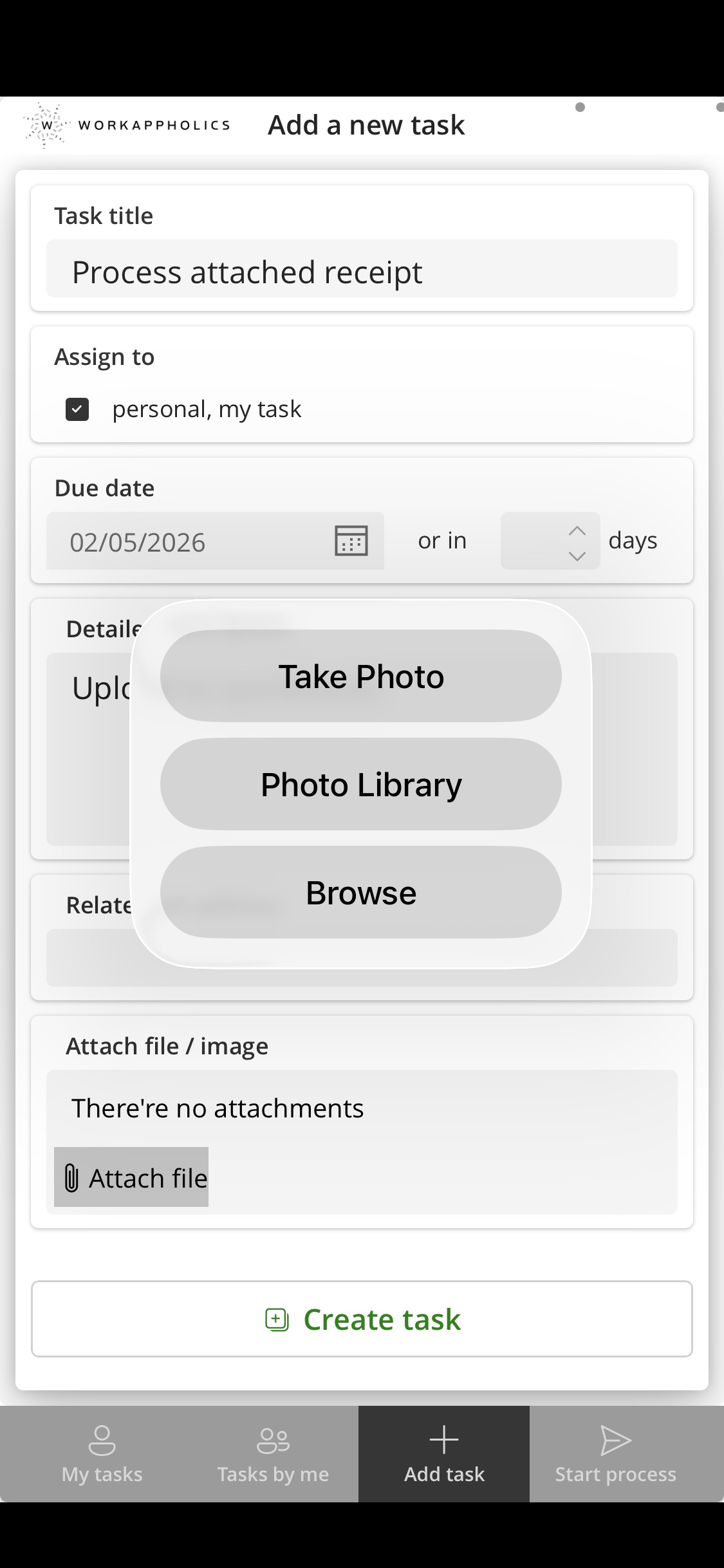
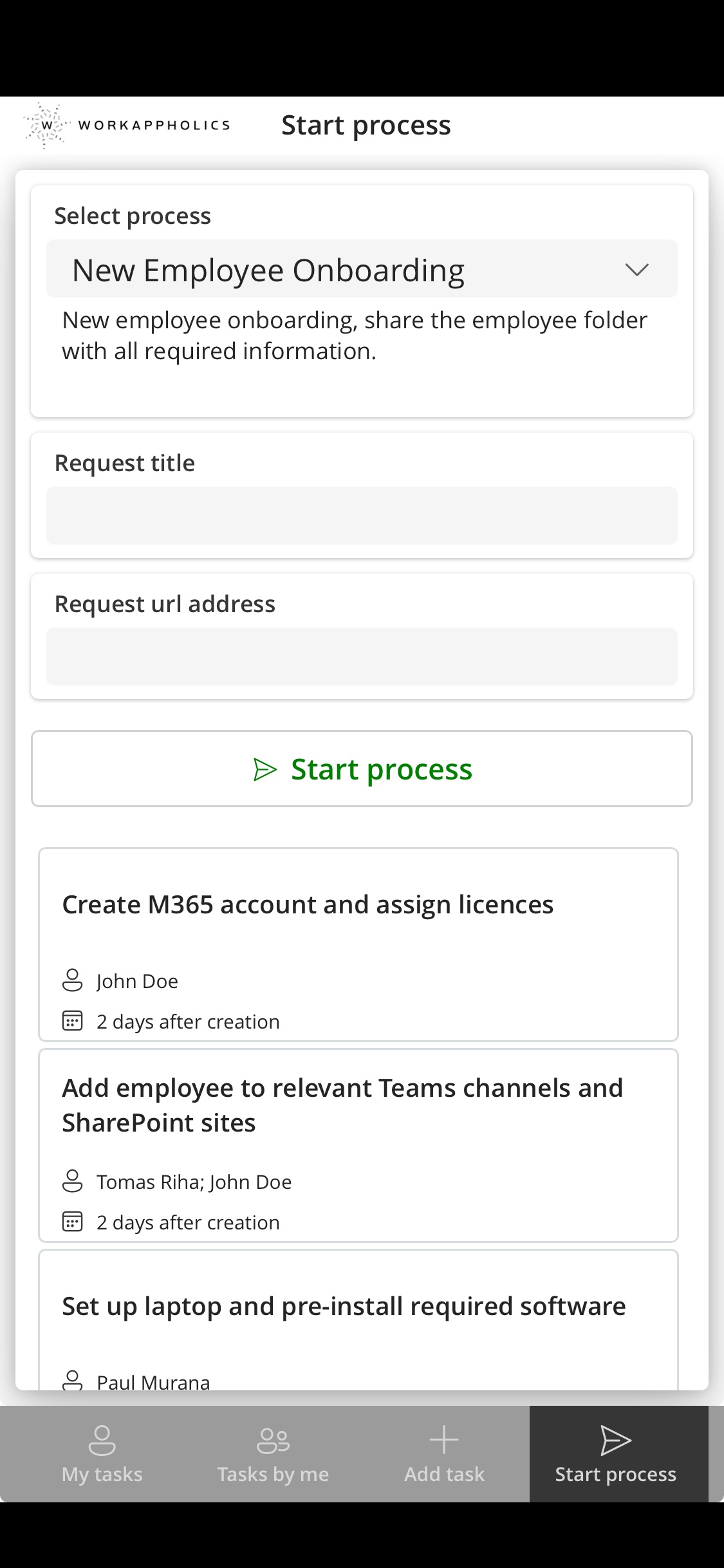
The mobile app is designed for on-the-go use - complete tasks, view your queue, create a task, or start a process. The full Process Planner and process overview are available in the desktop app only.
What if I need help after purchase?
For small questions or issues, reach us directly by email. For training, custom extensions, or adding automation to specific task types, we offer consulting sessions and development services - just get in touch.
Does it work with SharePoint on-premise?
No - the solution runs on SharePoint Online only. Everything is cloud-based and requires an active Microsoft 365 subscription.
Where is the data stored?
All data is stored in your own Microsoft 365 tenant - in your SharePoint lists, on your infrastructure. No third-party integrations, no external servers. The data never leaves your tenant and remains yours permanently. Nobody at Workappholics has access to it.
What's the refund policy?
Self-service ($129): full refund within 14 days if the solution doesn't reduce manual chasing in your team, or if you're unable to get it installed. Setup package ($499): refundable if cancelled before the session takes place, non-refundable once the session has been completed.